Getting Started with cURL: A Beginner's Guide for Developers
Learn the basics of cURL, why developers love it, and how to make your first API requests from the command line.
6 min read
Share

- What is cURL?
- Why Do Programmers Need cURL?
- Making Your First Request
- What just happened?
- Understanding Request and Response
- 1. The Request (You -> Server)
- 2. The Response (Server -> You)
- Using cURL to Talk to APIs
- Sending Data (POST Requests)
- Common Mistakes Beginners Make
- 1. Forgetting the Protocol
- 2. Ignoring Quotes
- 3. Not Following Redirects
- Summary
As a developer, you spend a lot of time talking to servers. Browsers are great for this when you want to see the result, but sometimes you just want the raw data.
Enter cURL.
If you've ever seen a tutorial that asks you to run a command starting with curl and wondered what magic was happening, this guide is for you.
What is cURL?
cURL (Client URL) is a command-line tool used to transfer data to or from a server. It's like a web browser without the graphical interface.
Think of it like this
If a Browser is a restaurant where you sit down, look at a menu, and get a plated meal... cURL is the kitchen backdoor where you shout an order and get the raw ingredients handed to you in a box.
It supports almost every protocol you can think of (HTTP, HTTPS, FTP, etc.), but for web developers, we mostly use it to talk to APIs.
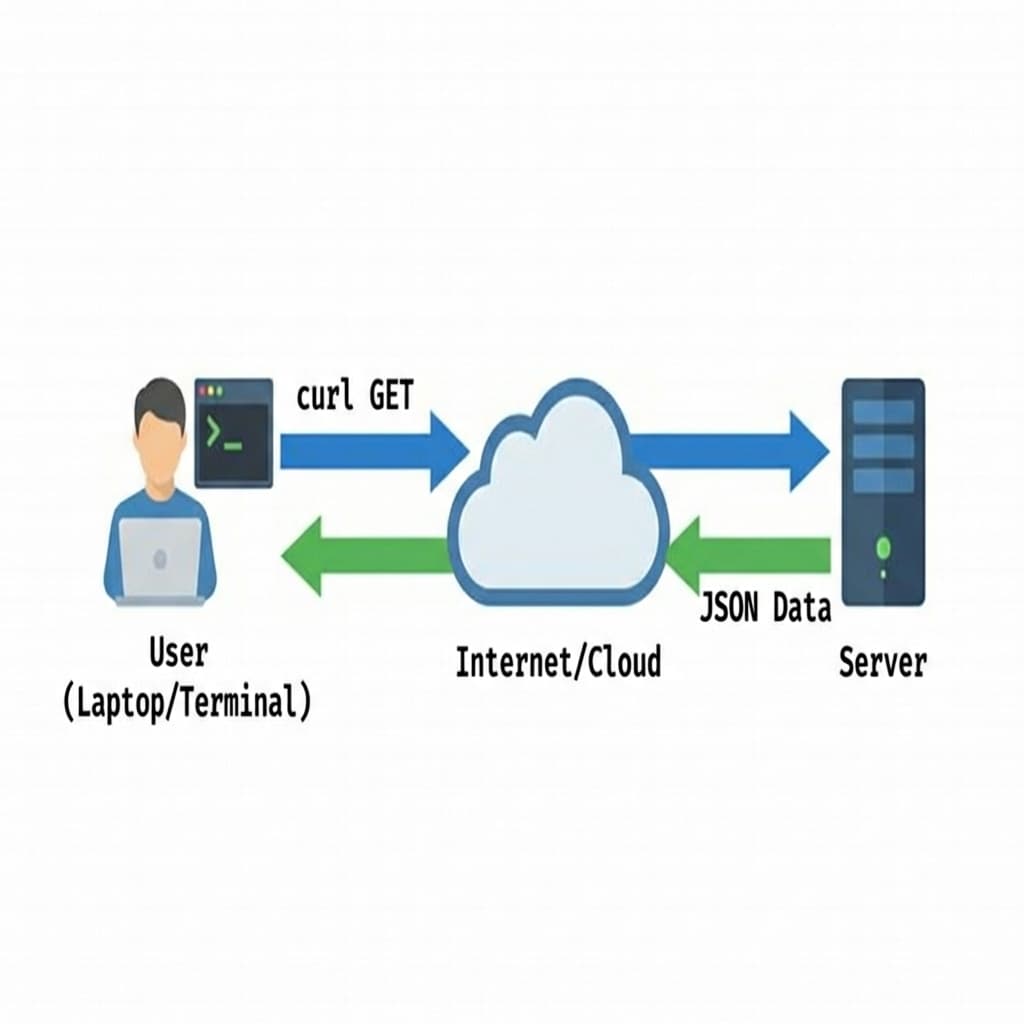 cURL Request Flow
Why Do Programmers Need cURL?
You might ask: "Why use a command line when I have Chrome?"
- Automation: You can write scripts to check if your site is up every 5 minutes.
- Debugging: Browsers hide a lot of details (redirects, headers, caching). cURL shows you exactly what the server sent.
- Headless Environments: Servers don't have screens or browsers. They only have the terminal.
- Testing APIs: When building a backend, you need a quick way to send data to your endpoints without building a frontend first.
Making Your First Request
Let's try the simplest possible command. Open your terminal (Command Prompt, PowerShell, or macOS Terminal) and type:
curl https://www.google.com
You'll likely see a massive wall of text fly by.
What just happened?
- Request: cURL sent a
GETrequest to Google's server. - Response: Google sent back the HTML code for their homepage.
Since cURL doesn't know how to render HTML (draw buttons, show images), it just dumps the raw code onto your screen.
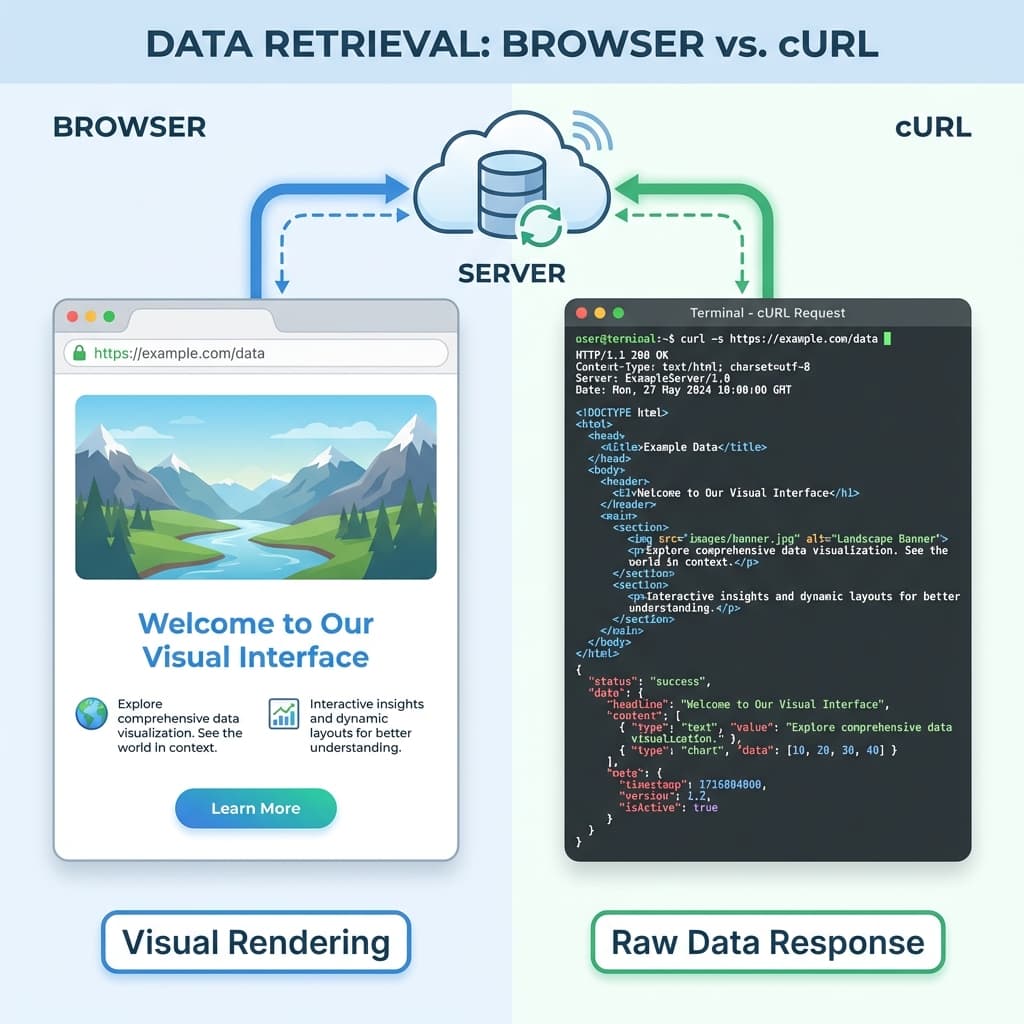 Browser vs cURL Comparison
One curl command does more than it looks. Step through it:
1/4
Understanding Request and Response
When you talk to a server, it's always a two-way conversation.
1. The Request (You -> Server)
You ask for something. By default, cURL makes a GET request (asking to retrieve data).
2. The Response (Server -> You)
The server replies with three main things:
- Status Code: Did it work? (200 OK, 404 Not Found, 500 Error)
- Headers: Metadata about the response (Content-Type, Date, Server info).
- Body: The actual content (HTML, JSON, Image).
To see the Status and Headers, use the -I (Head) flag:
curl -I https://www.google.com
Output:
HTTP/1.1 200 OK
Content-Type: text/html; charset=ISO-8859-1
Date: Tue, 28 Jan 2026 12:00:00 GMT
...
Common Status Codes
- 200 OK: Success!
- 301/302: Redirect (The page moved).
- 404: Not Found (Wrong URL).
- 500: Server Error (The server crashed).
Using cURL to Talk to APIs
This is the most common use case for full-stack developers. APIs usually speak JSON, not HTML.
Let's fetch some dummy data from a public API:
curl https://jsonplaceholder.typicode.com/posts/1
Response:
{
  "userId": 1,
  "id": 1,
  "title": "sunt aut facere repellat provident occaecati excepturi optio reprehenderit",
  "body": "quia et suscipit..."
}
See? Clean, readable data.
Sending Data (POST Requests)
Sometimes you need to send data to a server (like submitting a form). We use the POST method for this.
You need two new flags:
-X POST: Tells cURL to use the POST method.-d "data": The data you want to send.
curl -X POST https://jsonplaceholder.typicode.com/posts \
     -d "title=My New Post&body=This is the content"
Windows Users
In PowerShell, handling quotes can be tricky. If the above command fails, try using single quotes for the data or escaping inner quotes.
Common Mistakes Beginners Make
1. Forgetting the Protocol
❌ curl google.com (Might fail or guess wrong)
✅ curl https://google.com (Always be specific!)
2. Ignoring Quotes
If your URL has special characters (like & or ?), your terminal might get confused.
❌ curl https://api.com?search=cat&limit=10 (The & cuts off the command)
✅ curl "https://api.com?search=cat&limit=10" (Always quote your URLs)
3. Not Following Redirects
If you get an empty response or a "301 Moved" message, the server is trying to redirect you. Use the -L flag to tell cURL to follow the link.
✅ curl -L https://google.com
Summary
cURL is a superpower for developers. It lets you inspect exactly what is happening between your computer and text server.
- GET:
curl https://site.com(Fetch data) - Headers:
curl -I https://site.com(Check status) - POST:
curl -X POST -d "data" URL(Send data) - Follow Redirects:
curl -L URL
Next time you're stuck debugging an API, don't guess—cURL it!

Written by Sharanayya R Tenginamath
Software Engineer at McD BERL with 4 years building scalable full-stack applications with React.js, Next.js, TypeScript, FastAPI and Python. Available to join from Oct 12, 2026.
Related articles
- DNS
- Networking
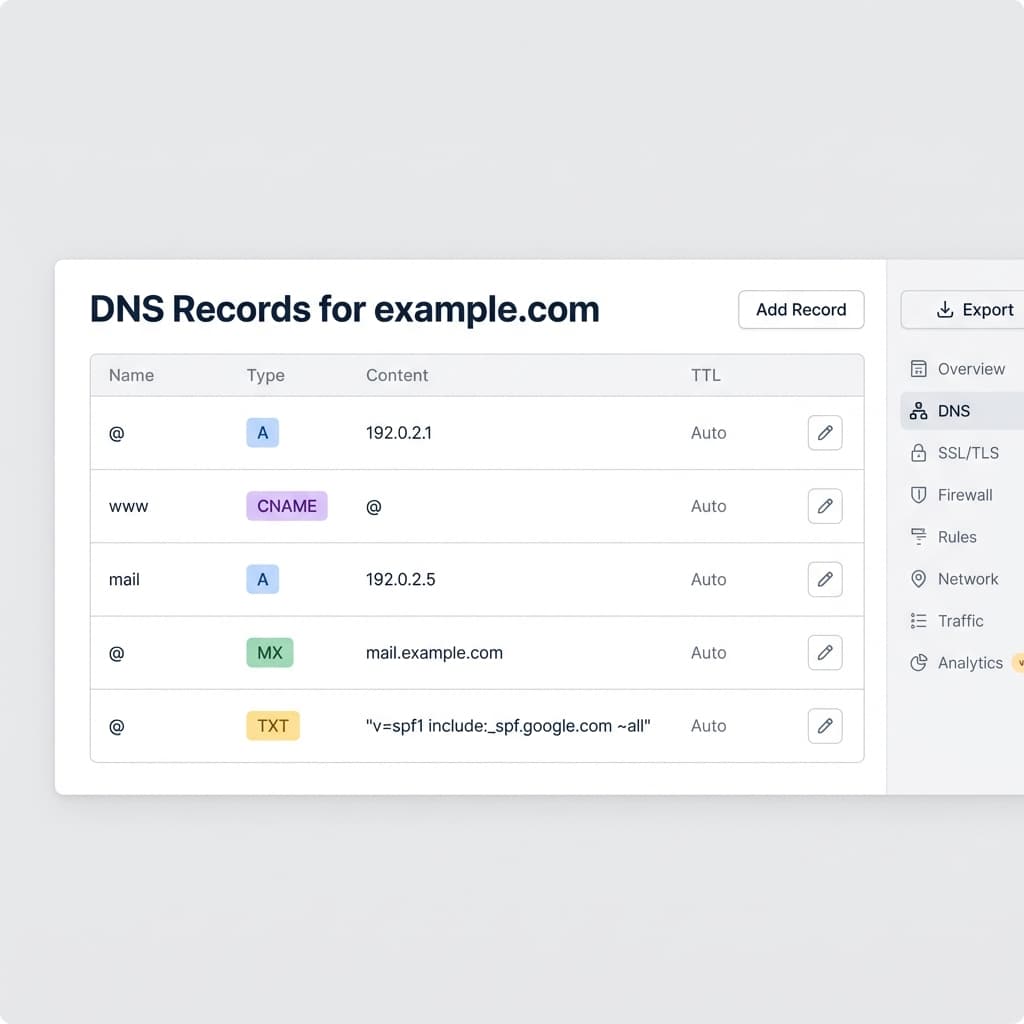
DNS Record Types Explained: A, CNAME, MX, and More
Understand how the internet's phonebook works. A simple guide to A, AAAA, CNAME, MX, and TXT records.
5 min read
- Networking
- TCP
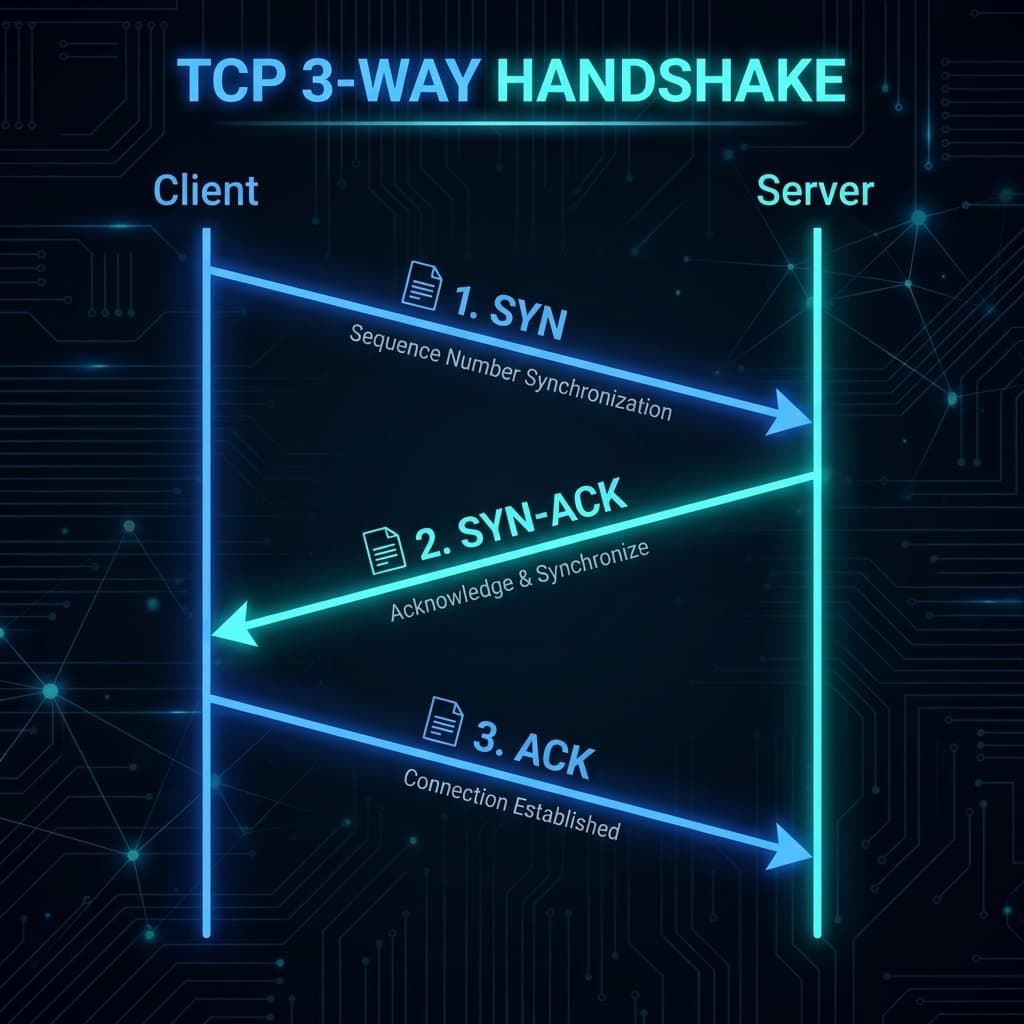
TCP Working: 3-Way Handshake & Reliable Communication Explained
Learn how TCP ensures reliable data transmission over the internet. Understand the 3-way handshake, sequence numbers, acknowledgments, retransmission, and connection termination with clear diagrams.
10 min read
- JavaScript
- Async
JavaScript Promises : The Complete Guide to Async Code
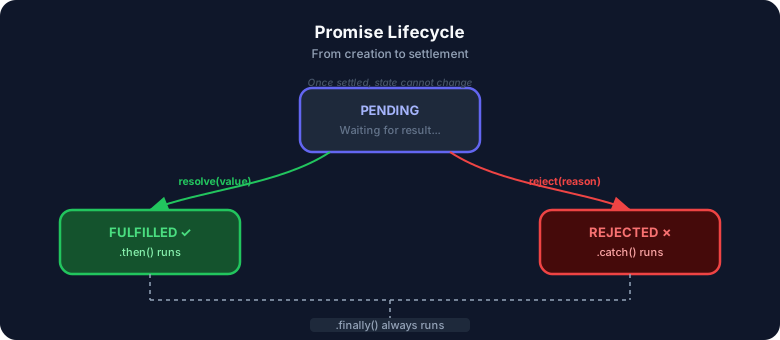
Master JavaScript Promises from scratch — lifecycle, .then()/.catch()/.finally(), all static methods (all, allSettled, race, any), real-world examples, visual diagrams, and hands-on assignments. Written from 4+ years of full-stack development experience.
17 min read