Emmet for HTML: A Beginner's Guide to Writing Faster Markup
Learn Emmet, the shortcut language that turns cryptic abbreviations into full HTML in seconds. Master basic syntax, nesting, multiplication, and boost your HTML productivity by 10x.
9 min read
Share
- What is Emmet?
- Before Emmet (The Slow Way)
- With Emmet (The Fast Way)
- Why Emmet is Perfect for Beginners
- How Emmet Works in Code Editors
- The Basic Workflow
- Basic Emmet Syntax
- Creating Elements
- Adding Classes and IDs
- Adding Classes (.)
- Adding IDs (#)
- Combining Classes and IDs
- Adding Custom Attributes
- Multiple Attributes
- Common Patterns
- Creating Nested Elements
- Deeper Nesting
- Repeating Elements with Multiplication
- Combined with Nesting
- Real-World Example: Navigation
- Adding Text Content
- Combined with Other Features
- Numbered Text with $
- Sibling Elements
- Combined with Nesting
- Grouping with Parentheses
- The HTML Boilerplate Shortcut
- Emmet Cheat Sheet
- Real-World Examples
- Card Component
- Form with Inputs
- Footer with Links
- Tips for Learning Emmet
- Common Mistakes to Avoid
- Emmet is Optional, But Powerful
- Summary
- Conclusion
Have you ever felt like writing HTML is... tedious? Opening tags, closing tags, indentation, classes, IDs – it's repetitive and time-consuming.
What if I told you there's a way to write HTML 10x faster?
Enter Emmet – a developer's secret weapon for writing markup at lightning speed.
What is Emmet?
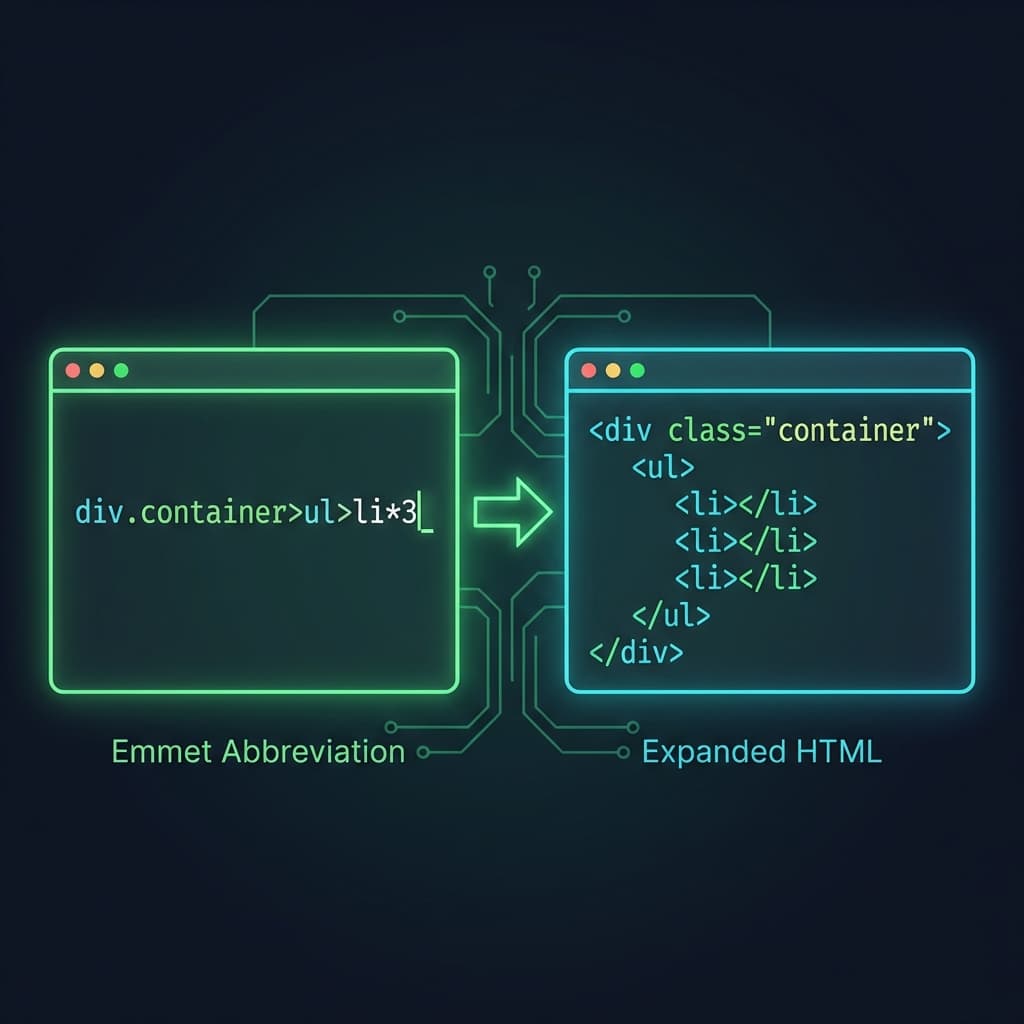
In the simplest terms, Emmet is a shortcut language for HTML and CSS. You type a short abbreviation, press Tab, and it expands into full, properly formatted code.
Think of it like texting
Just as "brb" expands to "be right back" in your mind, Emmet expands div.container into <div class="container"></div> in your editor.
Before Emmet (The Slow Way)
<div class="container">
  <ul>
    <li></li>
    <li></li>
    <li></li>
  </ul>
</div>
Time: 15-20 seconds of typing
With Emmet (The Fast Way)
div.container>ul>li*3
Press Tab and... done!
Time: 2 seconds
Why Emmet is Perfect for Beginners
You might think: "I'm still learning HTML, why add more syntax?"
Here's why Emmet actually helps beginners:
| Benefit | Explanation |
|---|---|
| Fewer typos | No more forgetting closing tags |
| Correct structure | Nesting is always right |
| Muscle memory | Reinforces HTML element names |
| Focus on layout | Think in structure, not syntax |
| Industry standard | Every pro developer uses it |
Tip
Emmet doesn't replace learning HTML – it accelerates it. You still need to understand what <div>, <ul>, and <li> mean. Emmet just types them faster.
How Emmet Works in Code Editors
Emmet is built into most modern code editors:
- ✅ VS Code – works out of the box
- ✅ WebStorm – built-in
- ✅ Sublime Text – plugin available
- ✅ Atom – plugin available
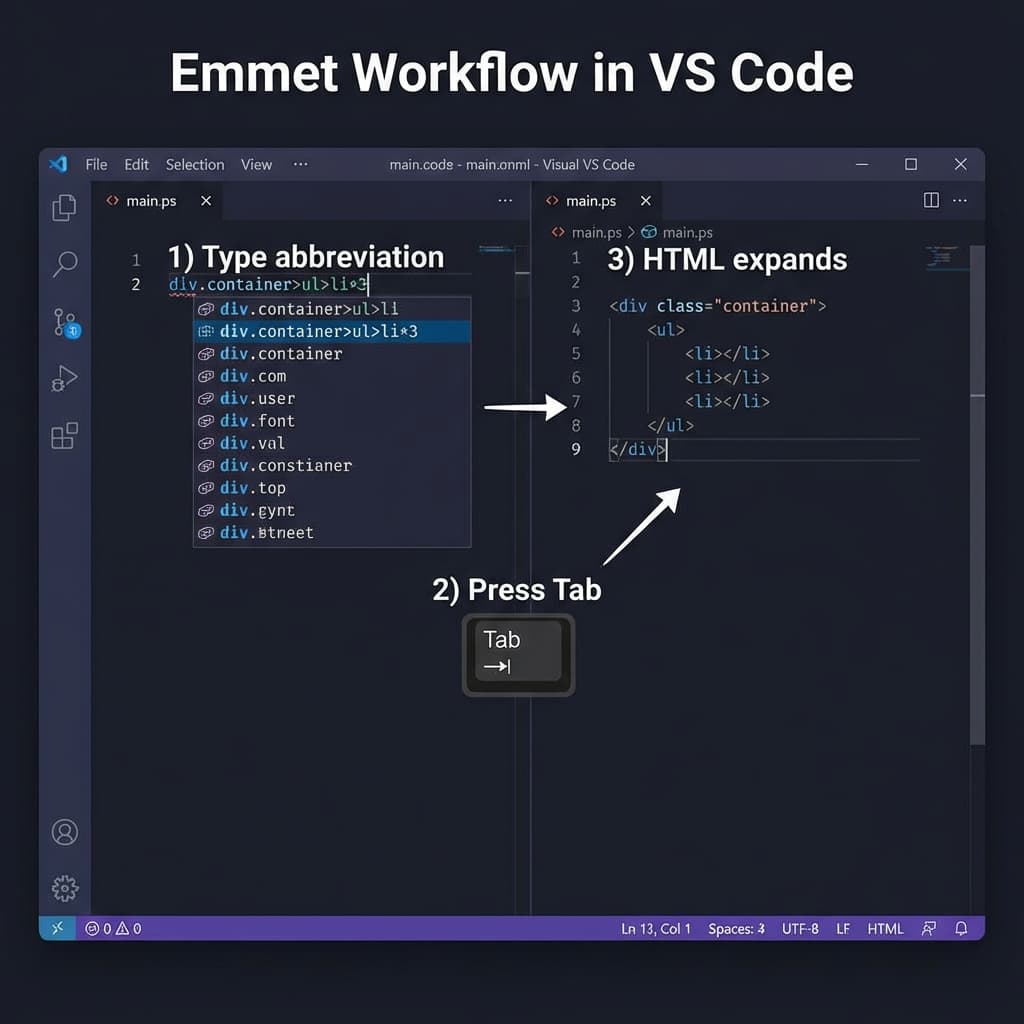 Emmet workflow in VS Code showing type, tab, expand
The Basic Workflow
- Type an Emmet abbreviation
- Press Tab (or Enter in the autocomplete menu)
- Watch it expand into HTML
That's it. No configuration needed in VS Code!
Basic Emmet Syntax
Let's learn Emmet one concept at a time. Try each example yourself!
Creating Elements
Just type the element name:
| Abbreviation | Expands To |
|---|---|
div | <div></div> |
p | <p></p> |
span | <span></span> |
header | <header></header> |
nav | <nav></nav> |
section | <section></section> |
Emmet: header
Result: <header></header>
Info
Emmet knows all HTML5 elements. Just type the tag name!
Watch one abbreviation unfold into real markup:
1/5
Adding Classes and IDs
This is where Emmet starts to shine.
Adding Classes (.)
Use a dot followed by the class name:
Emmet: div.container
<div class="container"></div>
Multiple classes? Just chain them:
Emmet: div.container.flex.items-center
<div class="container flex items-center"></div>
Adding IDs (#)
Use a hash followed by the ID:
Emmet: section#hero
<section id="hero"></section>
Combining Classes and IDs
Emmet: div#main.container.wrapper
<div id="main" class="container wrapper"></div>
Adding Custom Attributes
Use square brackets for custom attributes:
Emmet: a[href="https://google.com"]
<a href="https://google.com"></a>
Multiple Attributes
Emmet: input[type="email" placeholder="Enter email" required]
<input type="email" placeholder="Enter email" required>
Common Patterns
| Abbreviation | Result |
|---|---|
a[href="#"] | <a href="#"></a> |
img[src="" alt=""] | <img src="" alt=""> |
button[type="submit"] | <button type="submit"></button> |
input[type="text"] | <input type="text"> |
Creating Nested Elements
Use the greater-than sign (>) to create children:
Emmet: div>p
<div>
  <p></p>
</div>
Deeper Nesting
Emmet: nav>ul>li>a
<nav>
  <ul>
    <li>
      <a href=""></a>
    </li>
  </ul>
</nav>
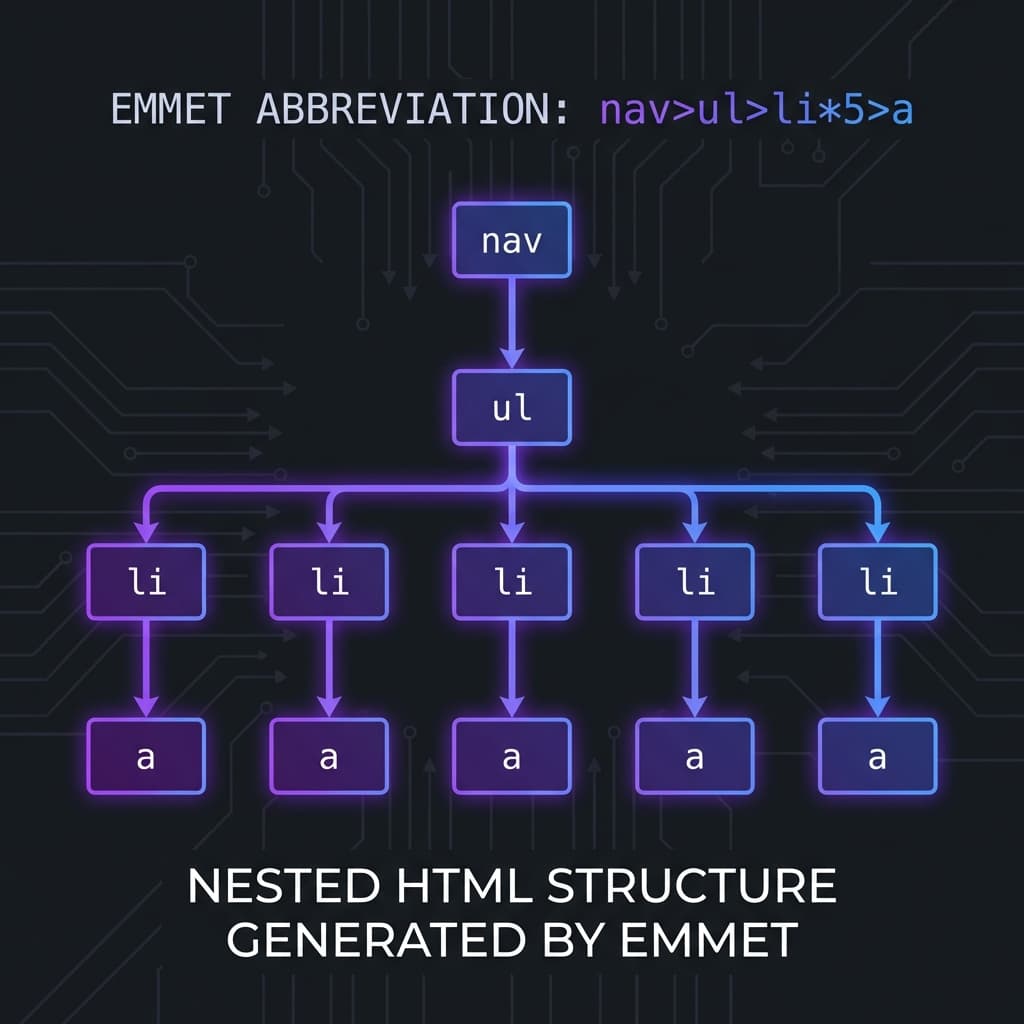 Nested HTML structure generated by Emmet showing nav, ul, li hierarchy
Read it like a path
nav>ul>li>a reads as: "nav contains ul, which contains li, which contains a"
Repeating Elements with Multiplication
Use the asterisk (*) to repeat elements:
Emmet: li*5
<li></li>
<li></li>
<li></li>
<li></li>
<li></li>
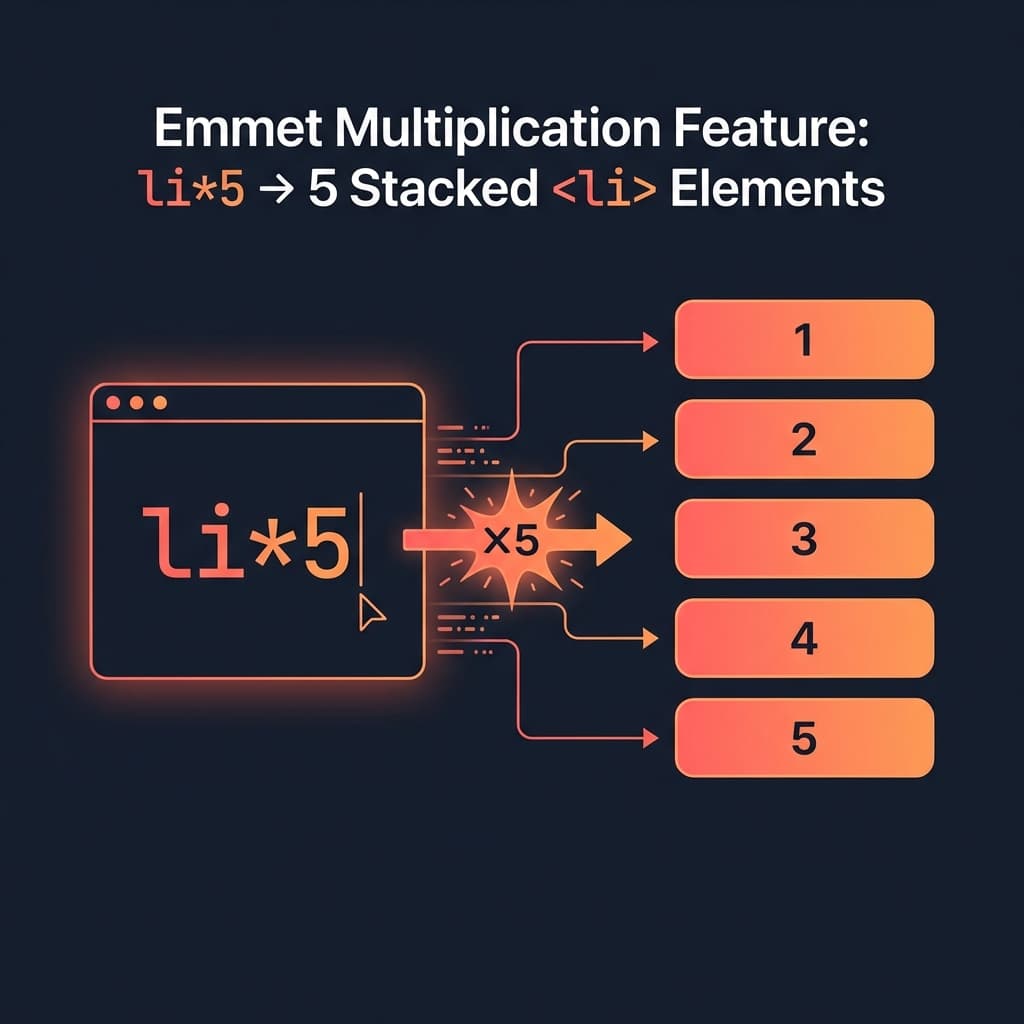 Emmet multiplication feature showing li*5 creating 5 elements
Combined with Nesting
Emmet: ul>li*3
<ul>
  <li></li>
  <li></li>
  <li></li>
</ul>
Real-World Example: Navigation
Emmet: nav>ul.nav-list>li.nav-item*5>a.nav-link
<nav>
  <ul class="nav-list">
    <li class="nav-item"><a href="" class="nav-link"></a></li>
    <li class="nav-item"><a href="" class="nav-link"></a></li>
    <li class="nav-item"><a href="" class="nav-link"></a></li>
    <li class="nav-item"><a href="" class="nav-link"></a></li>
    <li class="nav-item"><a href="" class="nav-link"></a></li>
  </ul>
</nav>
That's a full navigation structure in one line!
Adding Text Content
Use curly braces to add text inside elements:
Emmet: p{Hello World}
<p>Hello World</p>
Combined with Other Features
Emmet: a[href="#"]{Click Me}
<a href="#">Click Me</a>
Numbered Text with $
Use $ for auto-incrementing numbers:
Emmet: ul>li{Item $}*3
<ul>
  <li>Item 1</li>
  <li>Item 2</li>
  <li>Item 3</li>
</ul>
Tip
Use $$ for zero-padded numbers: Item 01, Item 02, etc.
Sibling Elements
Use the plus sign (+) to create siblings (elements at the same level):
Emmet: header+main+footer
<header></header>
<main></main>
<footer></footer>
Combined with Nesting
Emmet: div>(header>nav)+main+footer
<div>
  <header>
    <nav></nav>
  </header>
  <main></main>
  <footer></footer>
</div>
Grouping with Parentheses
Use parentheses to group elements:
Emmet: div>(header>h1)+section+footer
<div>
  <header>
    <h1></h1>
  </header>
  <section></section>
  <footer></footer>
</div>
This is powerful for complex layouts!
The HTML Boilerplate Shortcut
This is the most magical Emmet abbreviation. Just type:
!
Press Tab and get a complete HTML5 boilerplate:
<!DOCTYPE html>
<html lang="en">
<head>
  <meta charset="UTF-8">
  <meta name="viewport" content="width=device-width, initial-scale=1.0">
  <title>Document</title>
</head>
<body>

</body>
</html>
Make sure you're in an HTML file
The ! shortcut only works in files with .html extension or files recognized as HTML by your editor.
Emmet Cheat Sheet
Here's a quick reference of everything we've learned:
| Syntax | Purpose | Example |
|---|---|---|
element | Create element | div → <div></div> |
.class | Add class | div.box → <div class="box"> |
#id | Add ID | div#main → <div id="main"> |
[attr] | Add attribute | a[href="#"] → <a href="#"> |
> | Child element | ul>li → nested |
+ | Sibling element | h1+p → side by side |
*n | Multiply | li*5 → 5 list items |
{} | Add text | p{Hello} → <p>Hello</p> |
$ | Numbering | li{Item $}*3 → Item 1, 2, 3 |
() | Grouping | (div>p)*2 → grouped |
! | HTML boilerplate | Full HTML5 template |
Real-World Examples
Let's build some common UI patterns using Emmet:
Card Component
Emmet: article.card>img.card-image+div.card-body>(h3.card-title{Card Title}+p.card-text{Description here}+a.btn{Read More})
Form with Inputs
Emmet: form.contact-form>div.form-group*3>label+input[type="text"]+button[type="submit"]{Submit}
Footer with Links
Emmet: footer.site-footer>div.container>div.row>(div.col>h4{Company}+ul>li*4>a{Link $})+(div.col>h4{Resources}+ul>li*3>a{Resource $})
Tips for Learning Emmet
Practice Makes Perfect
- Start simple – Master elements and classes first
- Use it daily – Force yourself to use Emmet instead of typing HTML
- Build muscle memory – Common patterns like
div.container>become automatic - Experiment – Try weird combinations to see what happens
- Don't memorize everything – Learn the concepts, reference the syntax
Common Mistakes to Avoid
| ❌ Wrong | ✅ Correct |
|---|---|
div .class (space) | div.class (no space) |
div>li*3 (wrong parent) | ul>li*3 (correct) |
| Forgetting Tab | Always press Tab to expand |
Emmet is Optional, But Powerful
Remember: you don't have to use Emmet. You can write HTML the traditional way forever.
But once you experience the speed boost, there's no going back. Professional developers use Emmet because:
- It's faster (10x or more)
- It reduces errors
- It keeps you in flow state
- It's industry standard
Summary
| Concept | Key Symbol | Example |
|---|---|---|
| Elements | (none) | div, p, span |
| Classes | . | div.container |
| IDs | # | div#main |
| Attributes | [] | a[href="#"] |
| Nesting | > | ul>li |
| Siblings | + | h1+p |
| Multiplication | * | li*5 |
| Text | {} | p{Hello} |
| Numbering | $ | li{Item $}*3 |
| Grouping | () | (div>p)*2 |
| Boilerplate | ! | Full HTML5 |
Conclusion
Emmet transforms HTML writing from a typing exercise into a thinking exercise. Instead of worrying about syntax, you focus on structure.
Start with the basics:
- Element names (
div,p,span) - Classes and IDs (
.class,#id) - Nesting (
>) and multiplication (*) - The boilerplate shortcut (
!)
Within a week of practice, you'll wonder how you ever wrote HTML without it.
Now open VS Code and start practicing! 🚀
Have questions about Emmet? Drop a comment or reach out on Twitter @srtenginamath!

Written by Sharanayya R Tenginamath
Software Engineer at McD BERL with 4 years building scalable full-stack applications with React.js, Next.js, TypeScript, FastAPI and Python. Available to join from Oct 12, 2026.
Related articles
- CSS
- Web Development
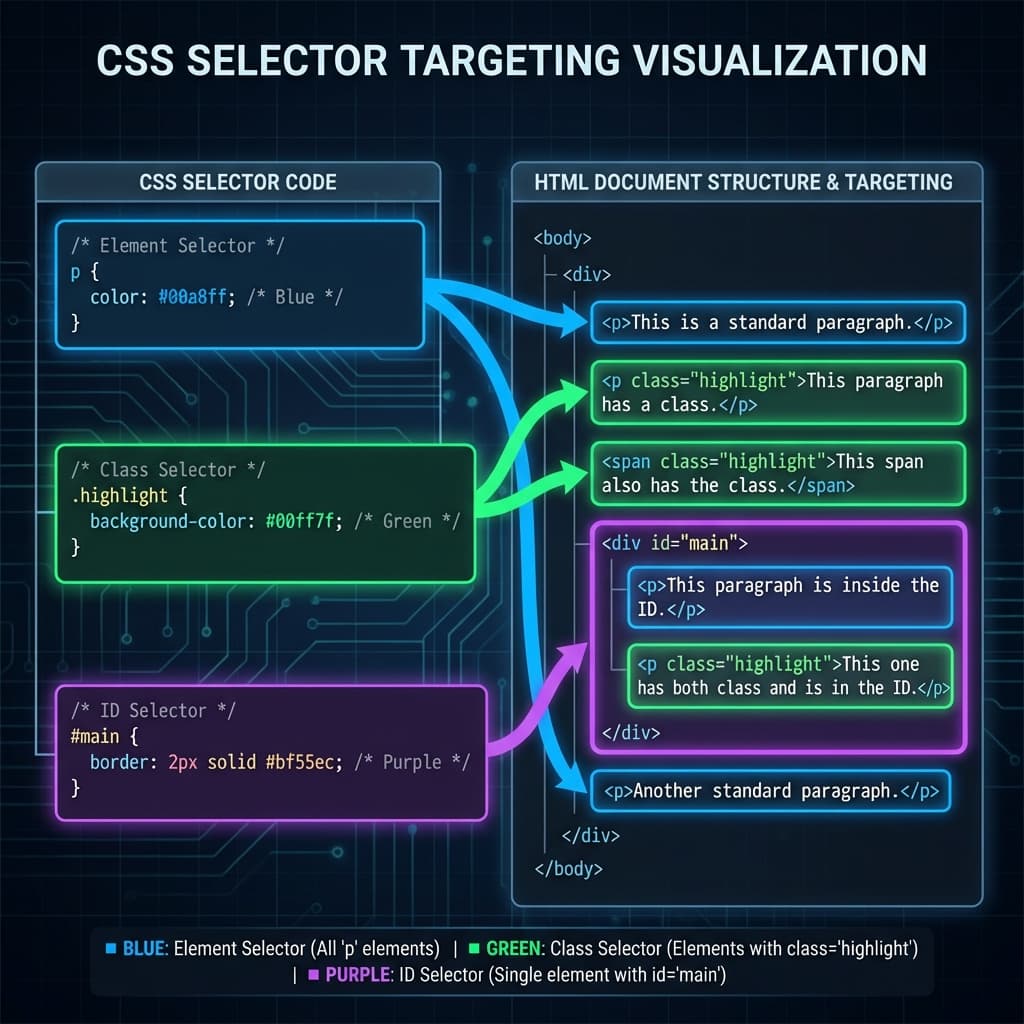
CSS Selectors 101: Targeting Elements with Precision
Master CSS selectors from basics to advanced. Learn element, class, ID, group, and descendant selectors with practical examples. Build a solid foundation for styling web pages.
11 min read
- Web Development
- Browser
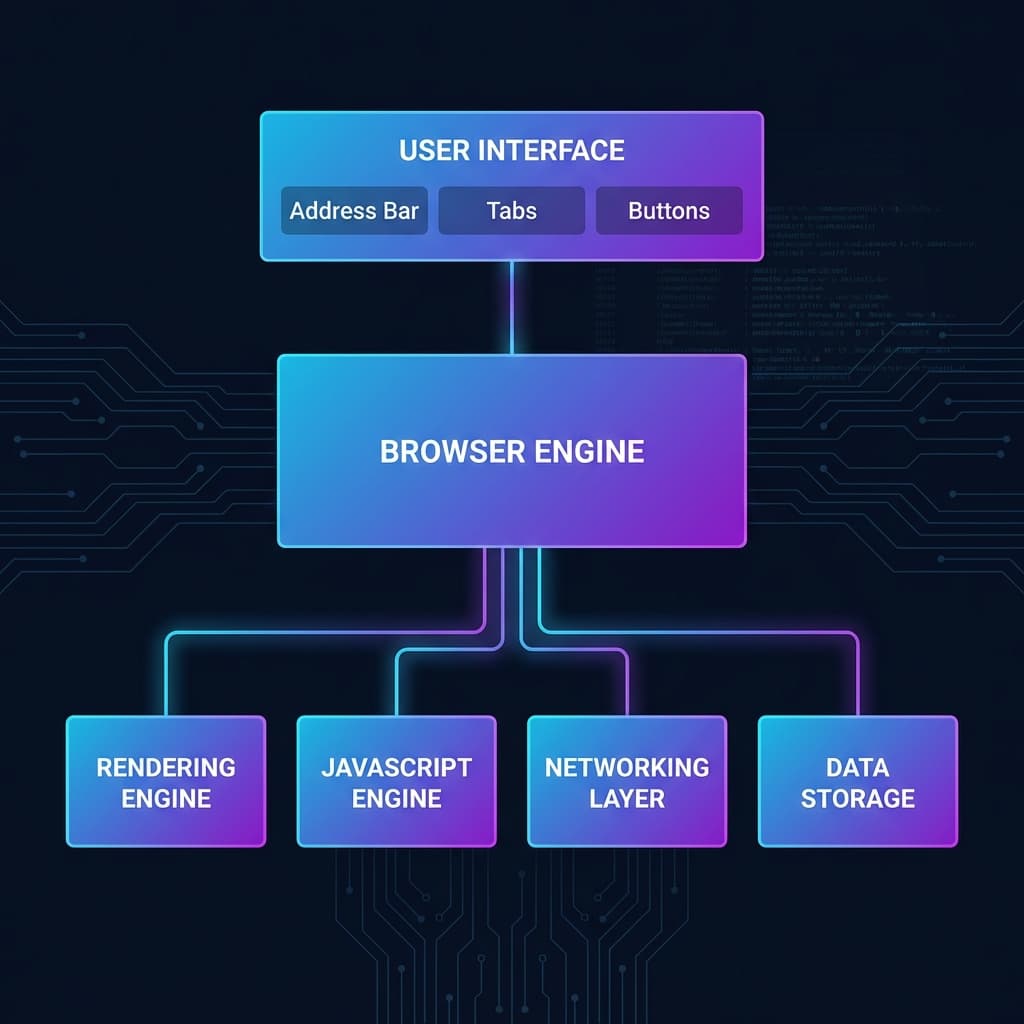
How a Browser Works: A Beginner-Friendly Guide to Browser Internals
Learn how browsers transform a URL into pixels on your screen. Understand DOM, CSSOM, rendering engines, and the complete journey from pressing Enter to seeing a webpage.
10 min read
- HTML
- Web Development
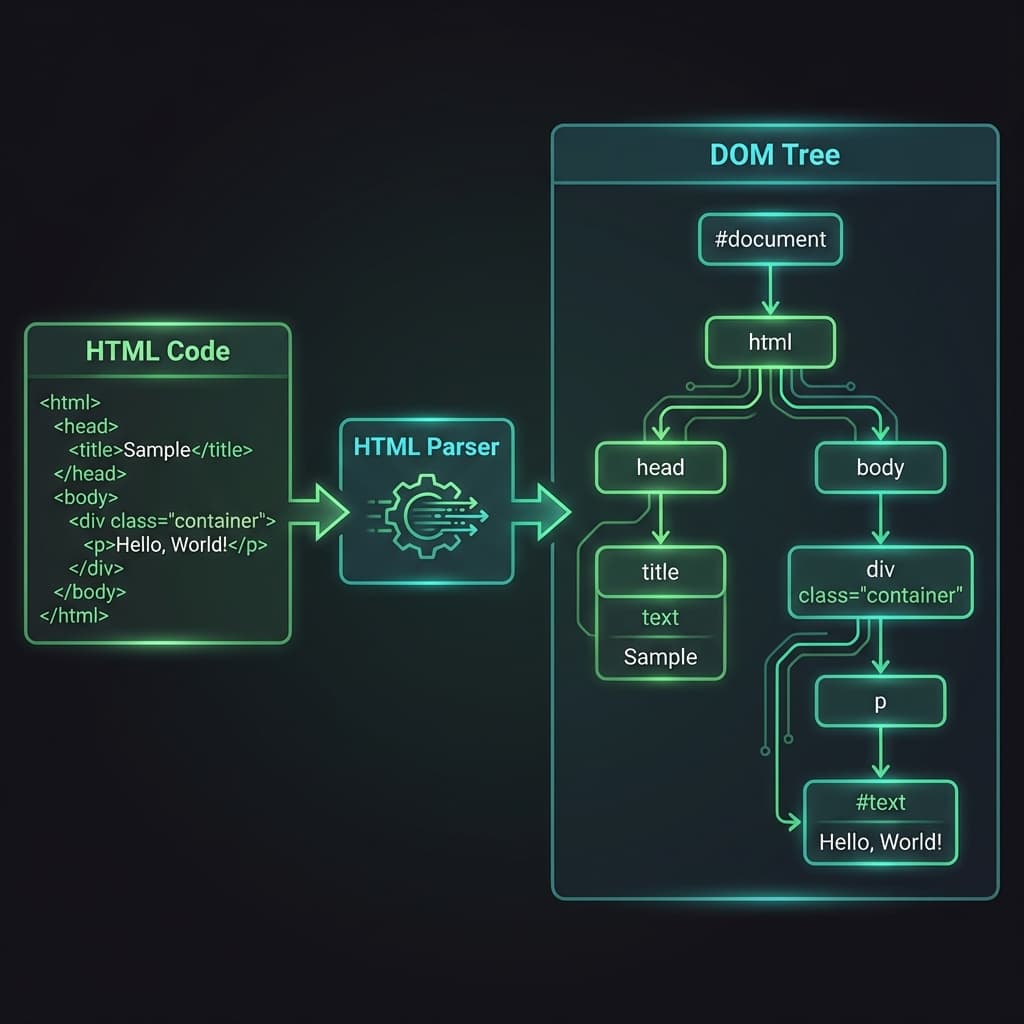
Understanding HTML Tags and Elements: A Complete Beginner's Guide
Learn the fundamentals of HTML tags and elements. Understand opening tags, closing tags, void elements, block vs inline elements, and commonly used HTML tags with practical examples.
10 min read